-0019- A Rare Tech-Post #1
As I have stated that I do not touch tech related stuff, among some other topics, but once in a blue moon there comes time to do so. And the time has come to write my first tech-post. Earlier I did tickle something tech related in my tongue in cheek post about JAVA and PHP, but I don’t count that as a tech-post. It lives more in the memeland :)
So buckle up, here we go!
Thing is, that I finally got around to install Lineage OS on the OnePlus 9 pro I got second hand for very cheap. Just for the purpose to blast the big-G out of my daily mobile device life. Must say that I am not any poweruser of mobile devices. Just the basic things, E-Mail, some messaging thingies, a little smolnet browsing if bored, writing notes if in rare case my physical notebooks are not handy and so on. You could say I’m kind of neo-luddite in the sense that I try to use technology as little as it is possible nowadays. Quite the different from, let’s say 20ish years ago, when I had piles of machines at home and cables everywhere. Now the less is more :)
I’m not going to bore you with the installation process, for it’s not the point. If you feel like checking it out, you can easily find it by using the search engine of your choosing.
All I say, everything went smoothly and worked just as instructed. I wonder why people say these things are “hard” or “difficult” etc.
So. There I was. With my new shiny big-G-less piece of black glass. I do have to also say that I really found Lineage OS out-of-box experience rather nice. Welcoming even. So, good work whoever is responsible! Anyway, fooling around and checking things out, as every good person would, I set some basic things up. Installed F-Droid and Aurora Store and started to get my preferred apps together as I had on my earlier big-G infested phone. Nothig there, everything works. Just a few minor tweaks here and there.
Once everything was installed and settings imported and all that good stuff, I went on to set up the quick settings dropdown … and here the real story begins!
What did I discover over there? The most wonderful thing since the fleshlight! Even though I haven’t even seen one IRL :)
From there I found a marvel called »Reading mode»!
It’s a game changer! At least it is for me. First I was like, that’s kind of neat thingie to have, even though I don’t really read-read on glowy screens. E-inks are different story. Well … as it happens I moved on and set the dropdown items as I wanted.
But then the magick hits! I was like, “Ok, let’s try that reading mode thingie”. Turned it on and went on to browse some nonsense to read. Lo and behold I’m in loæve! Totally and completely. But in my own weird way … I realised that it is the perfect thing to have on all the time!
Better yet at the night time reading mode + night light = pure greyscale bliss! I have found my way to the mobile device wonderland, where the eye strain is even less than just with the colour temperature settings. Which makes using that thingie much less annoying. Greyscale UI is what I have been missing, and I didn’t even know it!
Ever since I have had it on, only taken it off few times to check something and turned it back on immediately! I can’t even express my joy over this seemingly trivial matter, but it sure is, as I said, a game changer for me!
If you are like me, minimalist in things like these, and/or want to minimise the eye strain, give it a spin! Maybe you too will rise in love with the greyscale bliss UI as well!
I’ll add couple of photos here to finish this rare tech-post off.
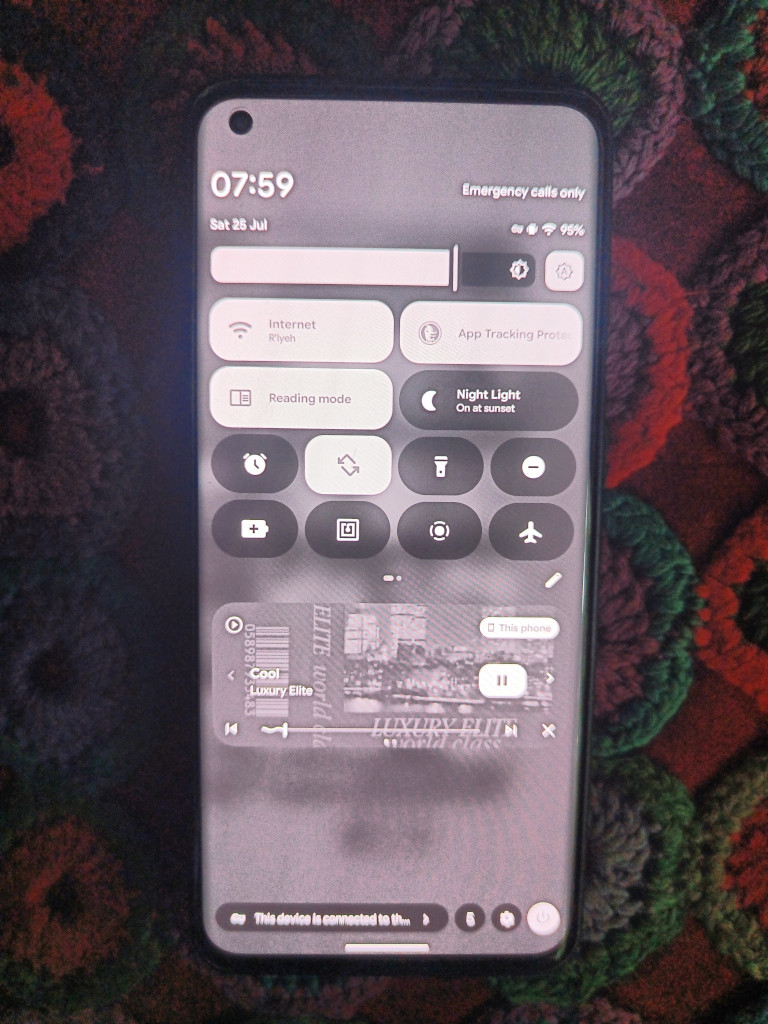
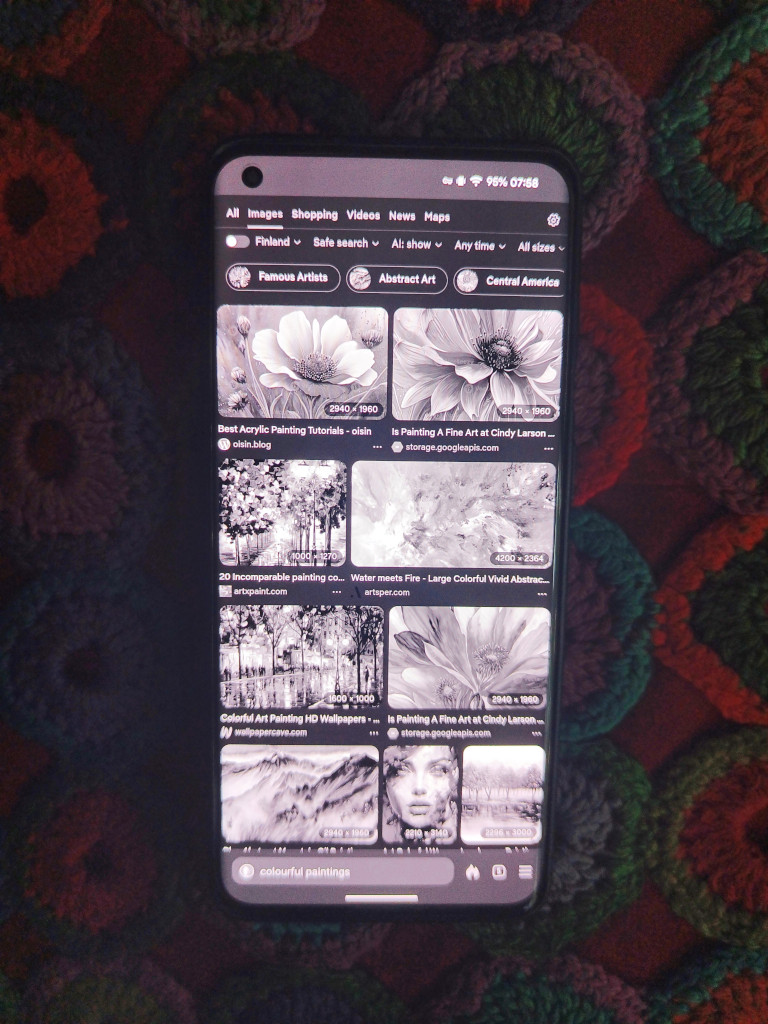
Greyscale Bliss Colourful Paintings
Yours drooly,
Lobotomy Patient Z